One line
EuroTolls is a route-planning app that shows estimated European toll costs before the drive begins.
Press resources · August 2026
Current product copy, facts, icon and full-resolution screenshots—ready for editorial use.
ZIP · Full-resolution PNG · Plain-text copy
At a glance
EuroTolls is a route-planning app that shows estimated European toll costs before the drive begins.
EuroTolls helps drivers compare European routes by toll cost, distance, travel time and estimated fuel use before setting off. It supports cars, motorbikes, caravans and electric vehicles, provides toll-by-toll breakdowns and highlights toll-free alternatives.
Built for European road trips, EuroTolls takes the uncertainty out of motorway tolls. Drivers can compare up to three routes by toll cost, distance, travel time and estimated fuel or energy use, then inspect every charge before navigating. Multi-stop planning, traffic, weather and useful places such as fuel stations, EV chargers, restaurants and rest areas help shape the journey. EuroTolls supports toll roads in more than 30 European countries and can hand navigation to Apple Maps, Google Maps, Waze, Sygic and other apps. It is an independent app by ezequiel.
Know the tolls. Then take the long way.
European tolls, figured out.
Less guessing. More Europe.
Product
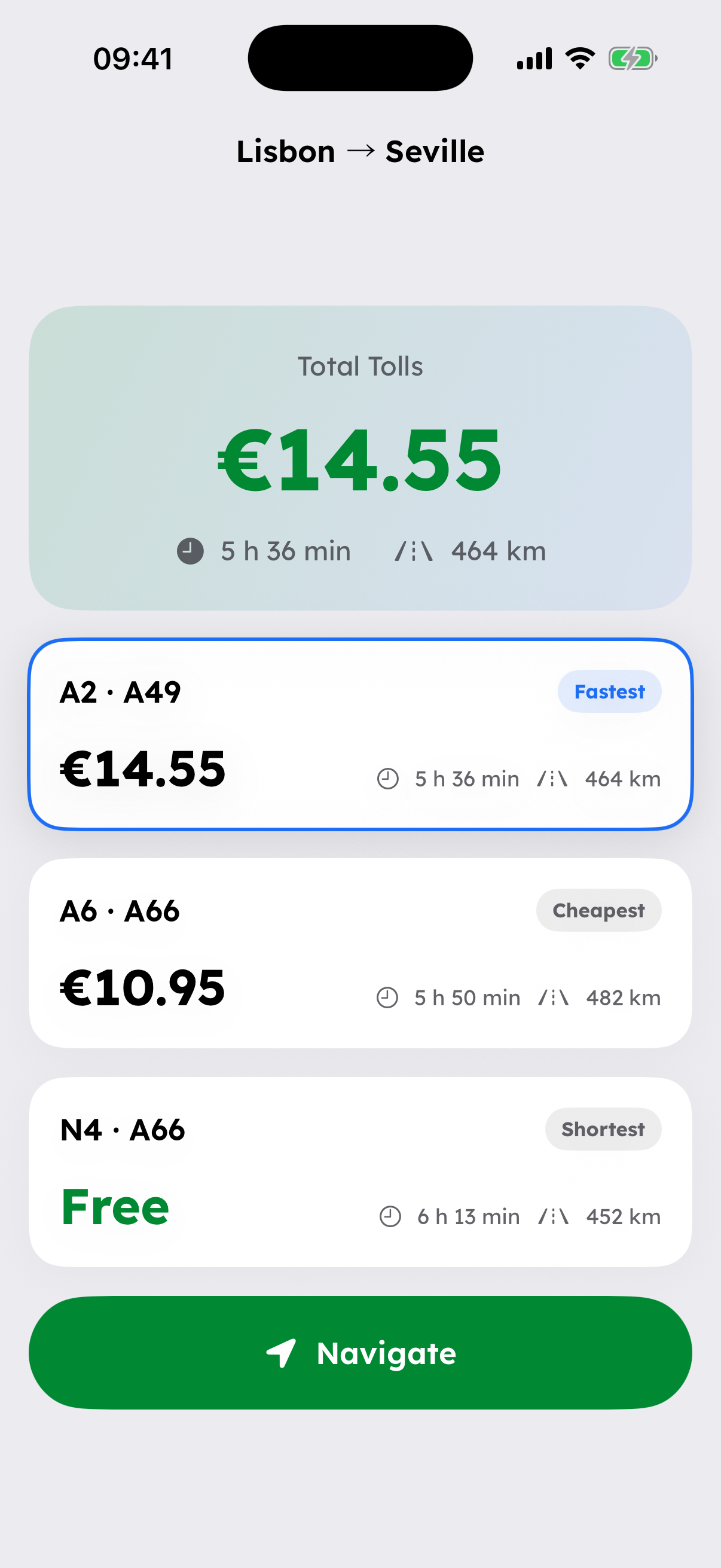
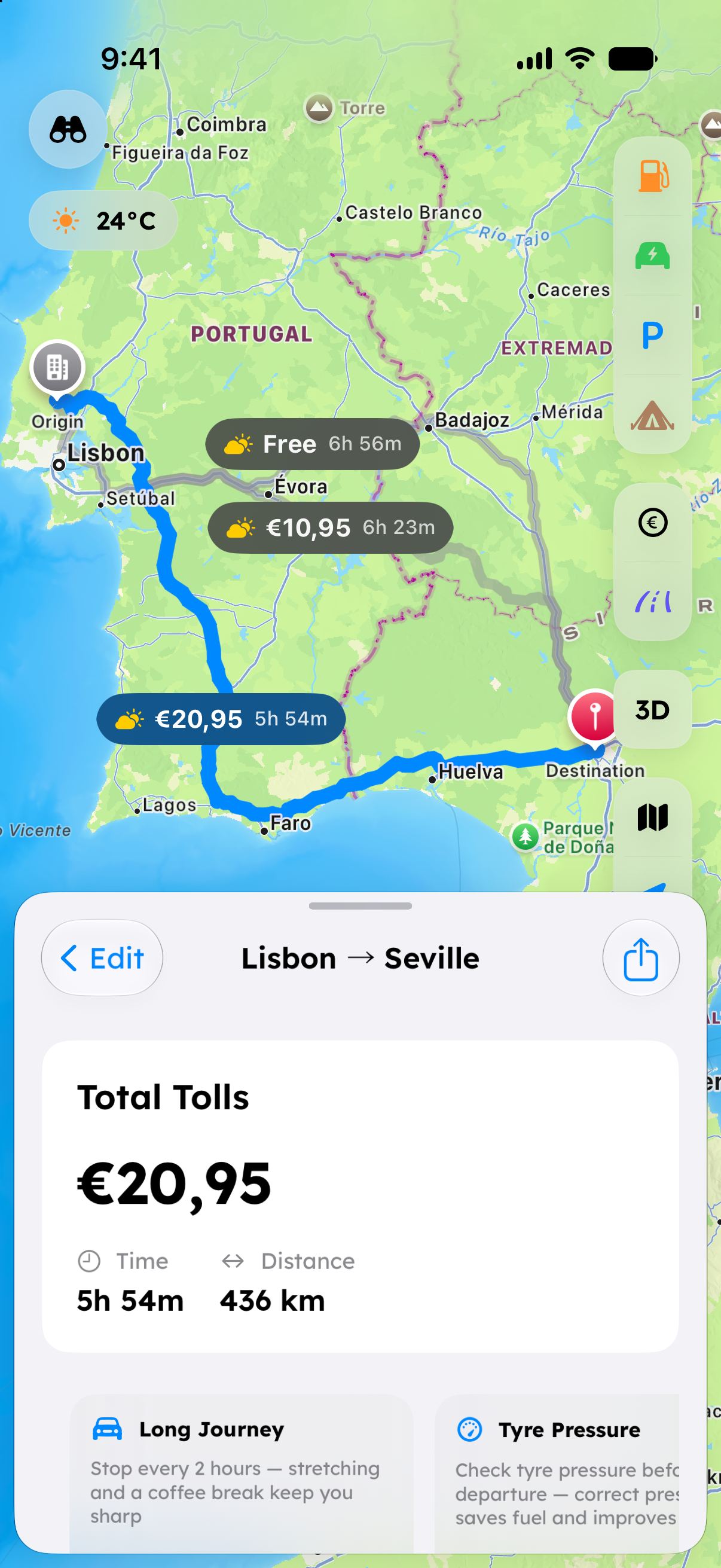
See toll cost, driving time and distance together, including a toll-free option where available.
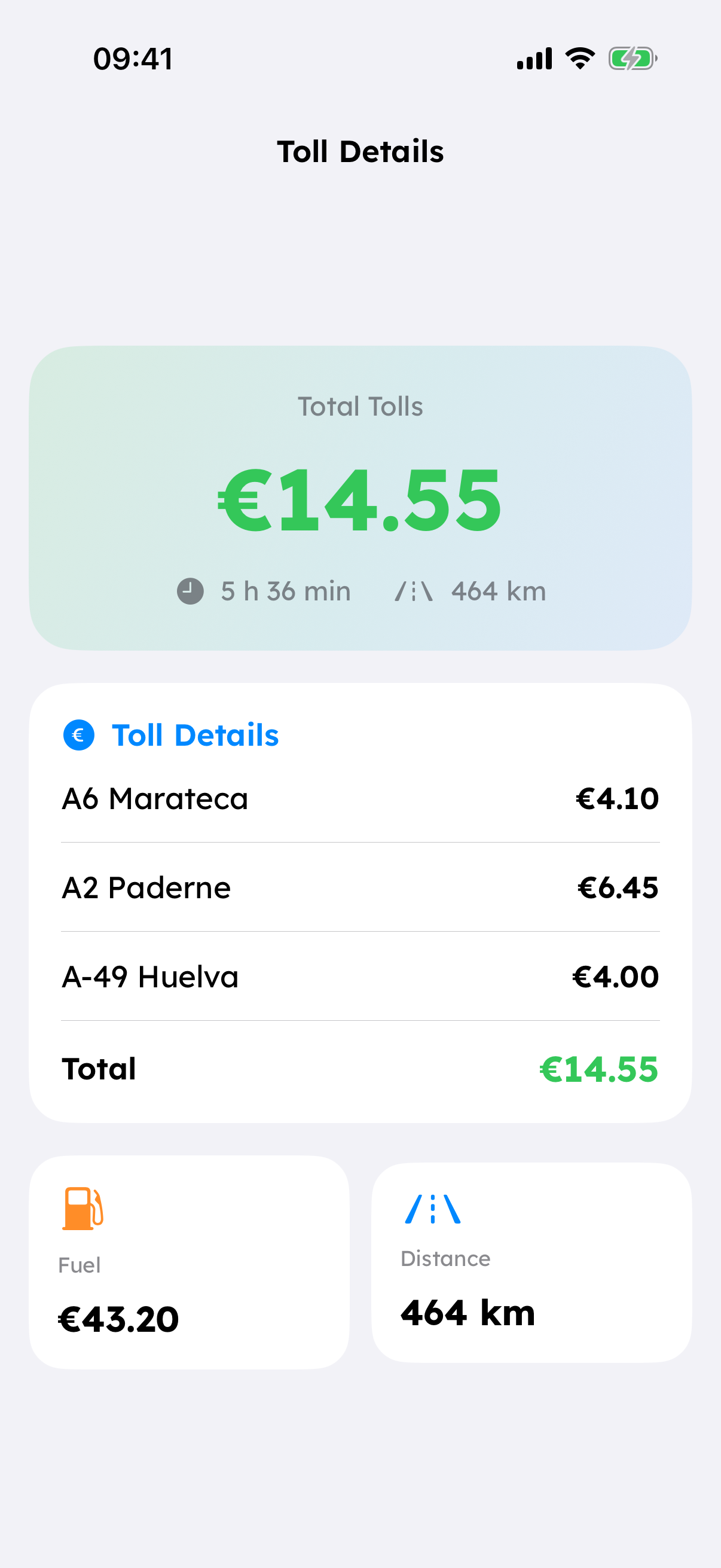
Review individual toll charges, estimated fuel cost and the full trip breakdown before leaving.
Choose a car or caravan so the route reflects the right kind of trip.
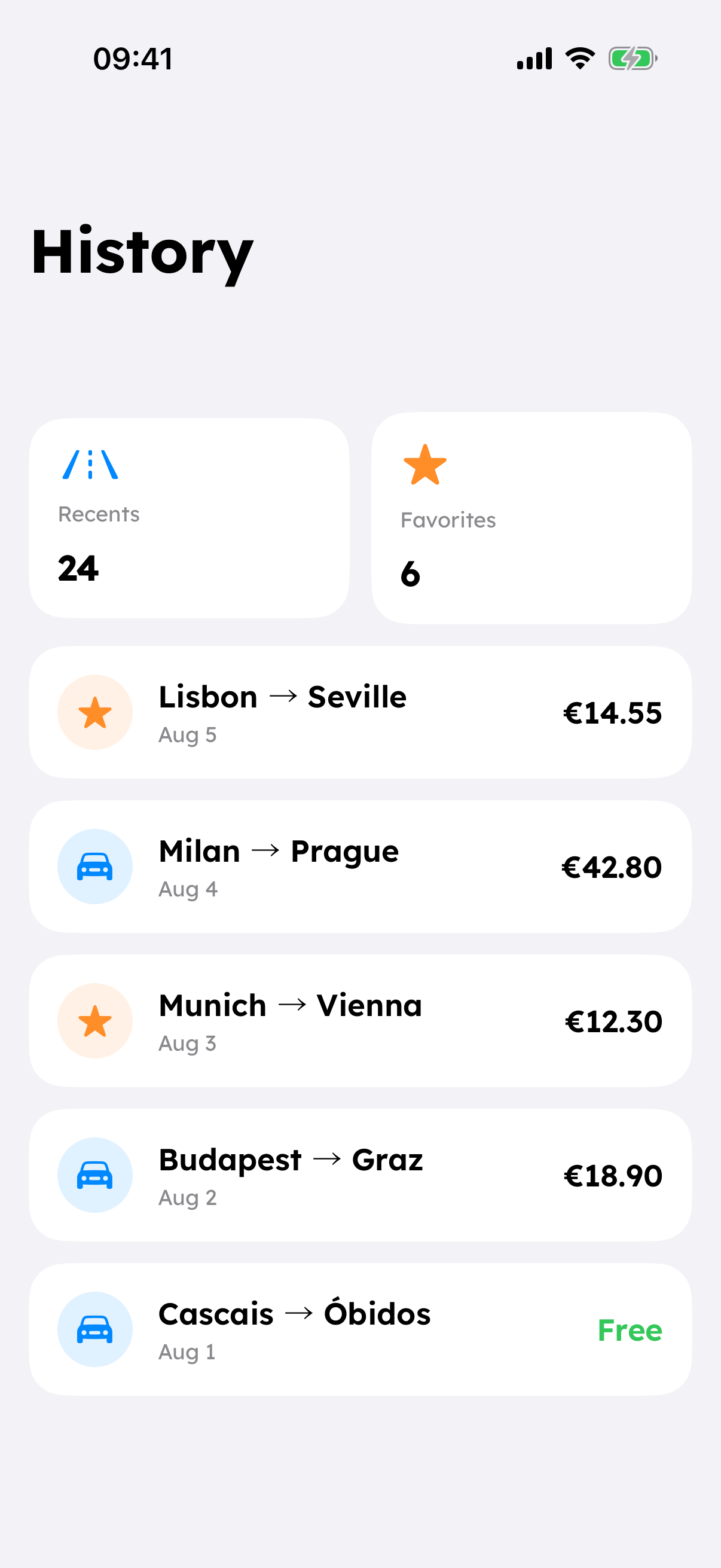
Return to recent and favourite journeys without starting the plan again.
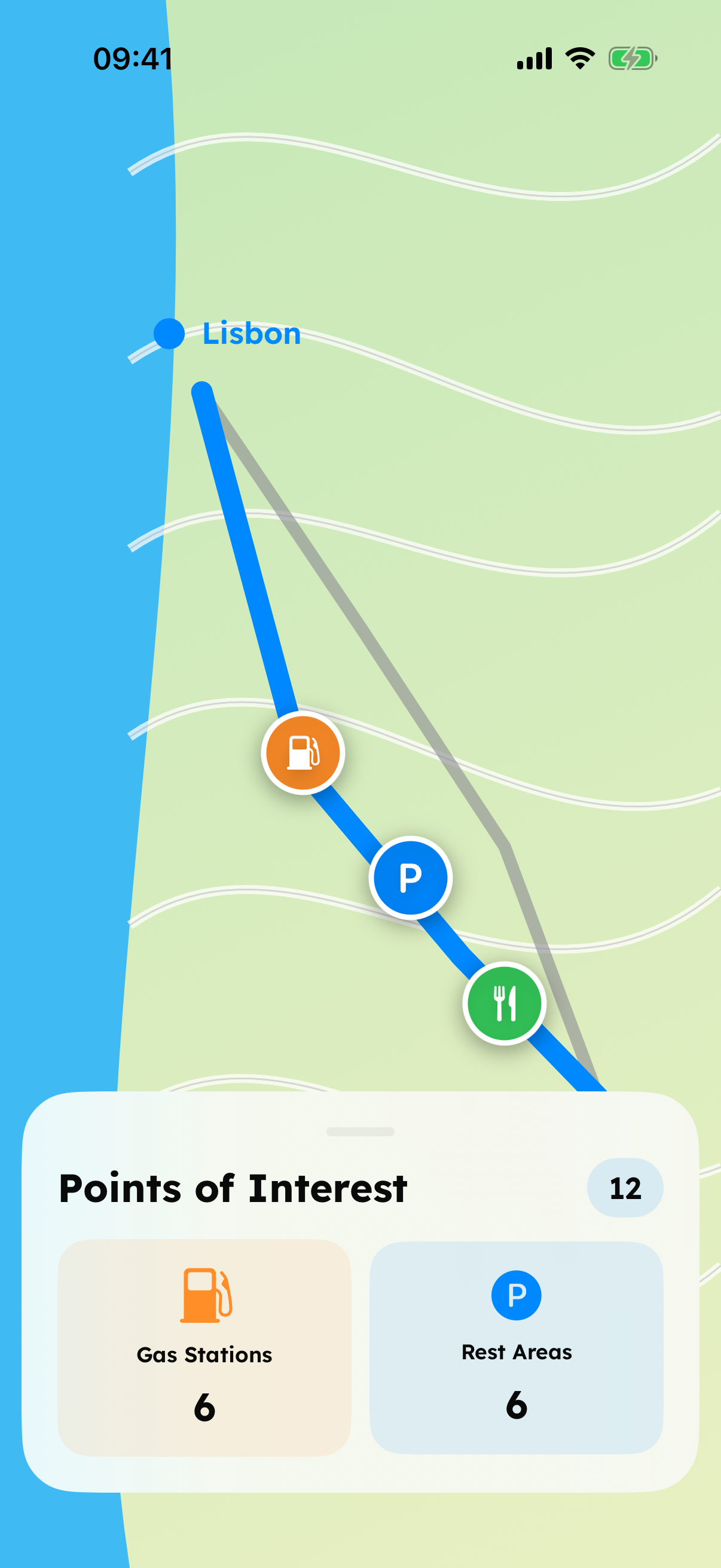
Put fuel stations, rest areas and other waypoints into the route.
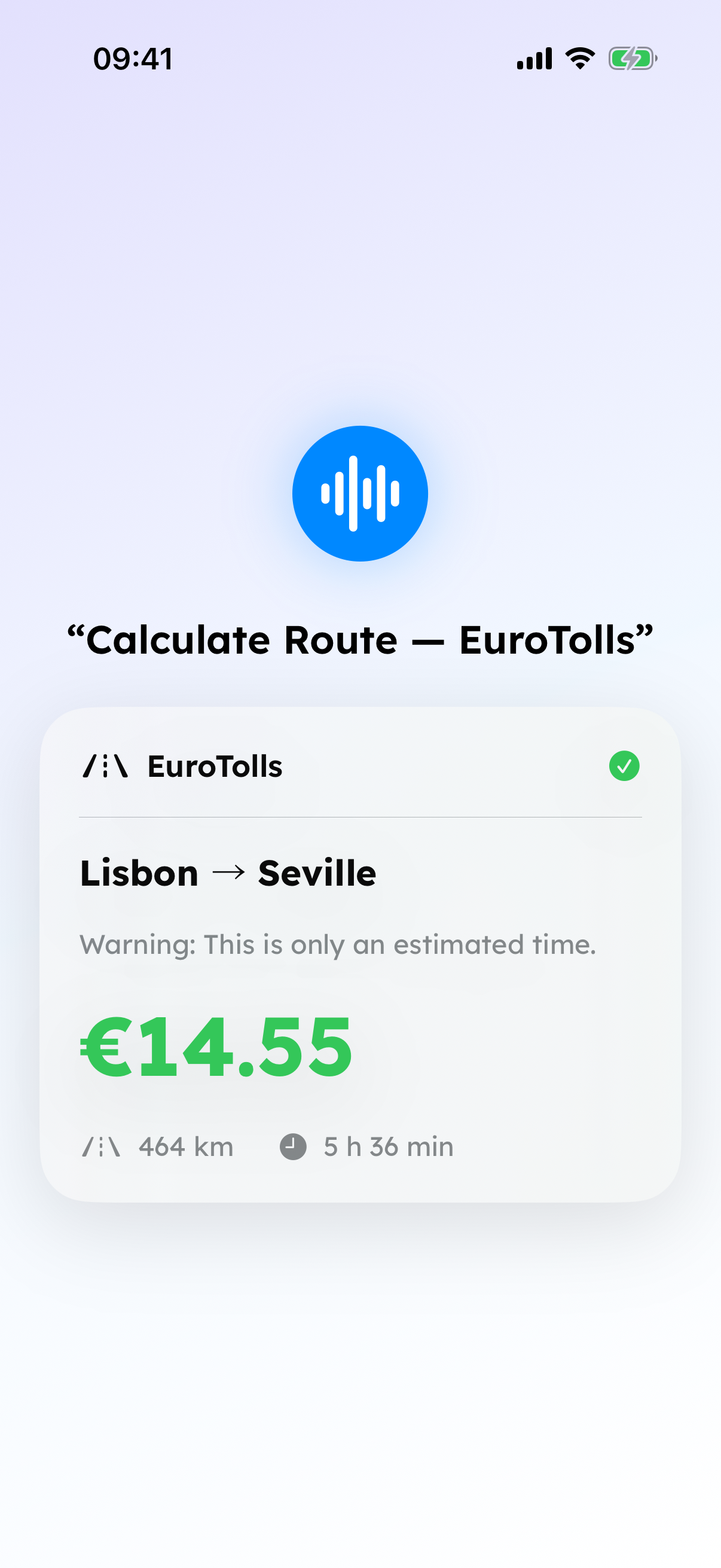
Start common route-planning actions from Shortcuts and Siri.
Screenshots
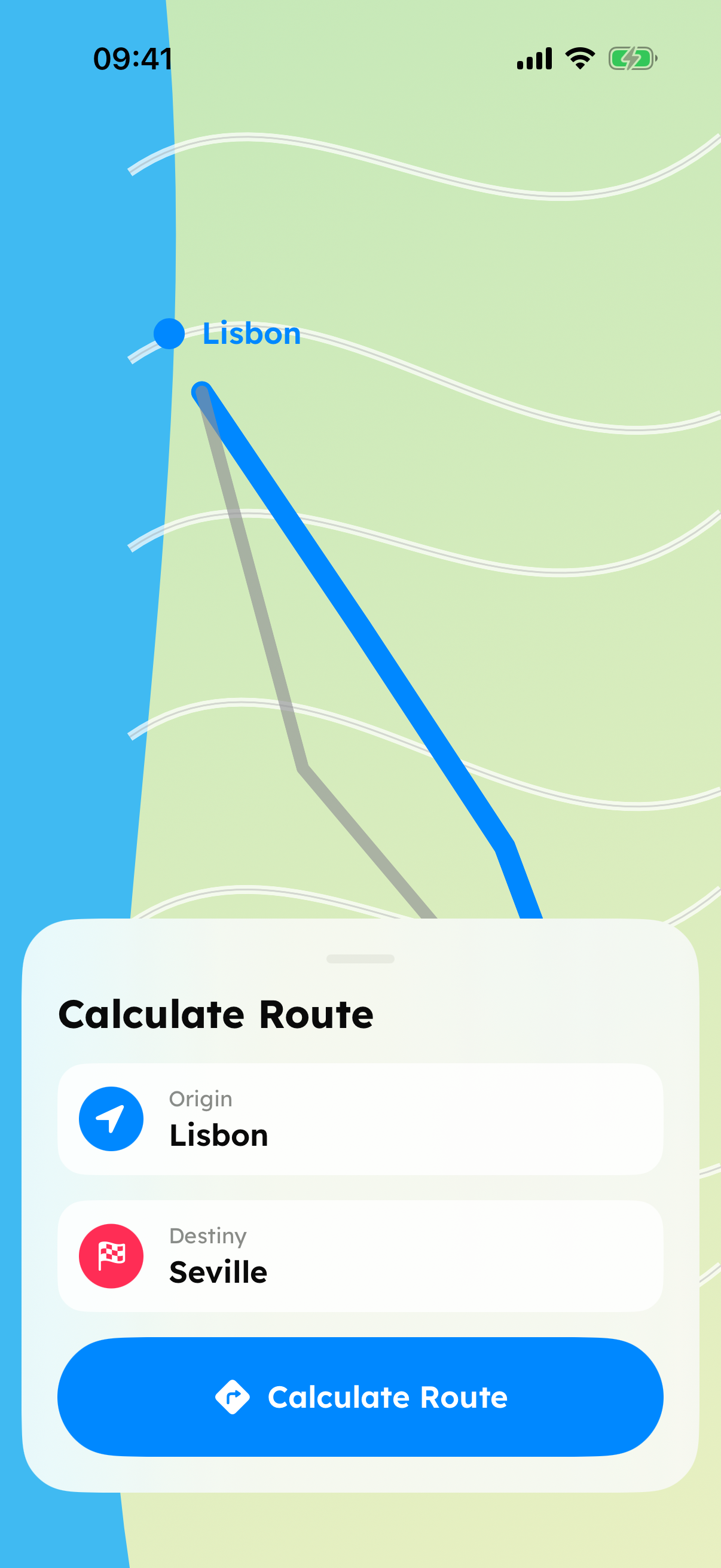
Seven clean captures from the current app build on iPhone 17 Pro Simulator. Select any image to open it, or use the arrow to download the original PNG.
Press contact
Assets in this kit may be used in editorial coverage of EuroTolls. For commercial use or anything not covered here, please get in touch.